



Kubernetes in DevOps: Architecture, Components, Benefits & How It Works
Introduction
In modern software development, applications are increasingly built and deployed using containers. Containers make applications portable, lightweight, and easy to deploy. However, managing a large number of containers manually can become challenging.
Kubernetes solves this problem by automating the deployment, scaling, networking, and management of containerized applications. Because of these capabilities, Kubernetes has become an important technology in modern DevOps and cloud environments.
What is Kubernetes?
Kubernetes is an open-source container orchestration platform used to manage containerized applications.
It helps DevOps teams automate tasks such as:
Deploying applications
Managing containers
Scaling applications
Restarting failed containers
Managing application traffic
Performing application updates
Maintaining high availability
Kubernetes is commonly abbreviated as K8s.
For example, if an application is running in multiple containers and one container fails, Kubernetes can automatically detect the problem and create a replacement. This reduces manual intervention and improves application reliability.
Why Kubernetes is Important in DevOps
DevOps focuses on faster development, automated deployment, continuous delivery, and reliable application operations.
Kubernetes supports these objectives by providing automation and efficient container management.
With Kubernetes, organizations can deploy applications consistently across development, testing, staging, and production environments.
It also supports automated scaling and self-healing, which makes it suitable for applications that need to handle changing workloads.
Kubernetes Architecture
A Kubernetes environment is called a cluster. A Kubernetes cluster consists mainly of a Control Plane and Worker Nodes.
Control Plane
The Control Plane manages the Kubernetes cluster. It makes decisions about the cluster and maintains the desired state of applications.
Important Control Plane components include:
API Server:
The API Server acts as the communication point for Kubernetes. Users, applications, and other Kubernetes components communicate through the API Server.
Scheduler:
The Scheduler decides which Worker Node should run a particular Pod based on available resources and scheduling requirements.
Controller Manager:
The Controller Manager continuously checks the cluster and ensures that the actual state matches the desired state.
etcd:
etcd is a distributed key-value store that maintains important Kubernetes cluster data and configuration.
Worker Nodes
Worker Nodes are the machines where application workloads run.
Important components include:
Kubelet:
Kubelet communicates with the Control Plane and ensures that containers inside Pods are running correctly.
Kube-proxy:
Kube-proxy manages network communication between services and Pods.
Container Runtime:
The container runtime is responsible for running containers.
What is a Pod in Kubernetes?
A Pod is the smallest deployable unit in Kubernetes.
A Pod normally contains one container, but it can also contain multiple closely related containers that need to share resources.
The basic relationship can be understood as:
Kubernetes Cluster → Node → Pod → Container
Kubernetes schedules and manages Pods rather than directly managing individual containers.
What is a Deployment?
A Kubernetes Deployment manages application Pods and helps maintain the required number of replicas.
For example, suppose an application requires three Pods.
If one Pod fails, Kubernetes can automatically create another Pod to maintain the required number.
Deployment also supports:
Rolling updates
Application version management
Scaling
Rollbacks
This makes application deployment more reliable and easier to manage.
What is a Kubernetes Service?
Pods are temporary resources, and their IP addresses can change when Pods are recreated.
A Kubernetes Service provides a stable network endpoint for accessing a group of Pods.
For example:
User → Service → Application Pods
The Service identifies the appropriate Pods and forwards traffic to them.
Kubernetes Scaling
Applications may receive different levels of traffic at different times.
For example, an application may need only two Pods during normal traffic but may require five Pods during peak traffic.
Kubernetes supports scaling to handle these changes.
Normal traffic → 2 Pods
High traffic → 5 Pods
This allows organizations to use resources more efficiently while maintaining application performance.
Kubernetes Self-Healing
One of the important features of Kubernetes is self-healing.
If a container or Pod fails, Kubernetes can automatically restart or replace it based on the desired configuration.
For example:
Pod failure → Kubernetes detects failure → Replacement Pod created
This reduces downtime and minimizes manual operational work.
Kubernetes and CI/CD
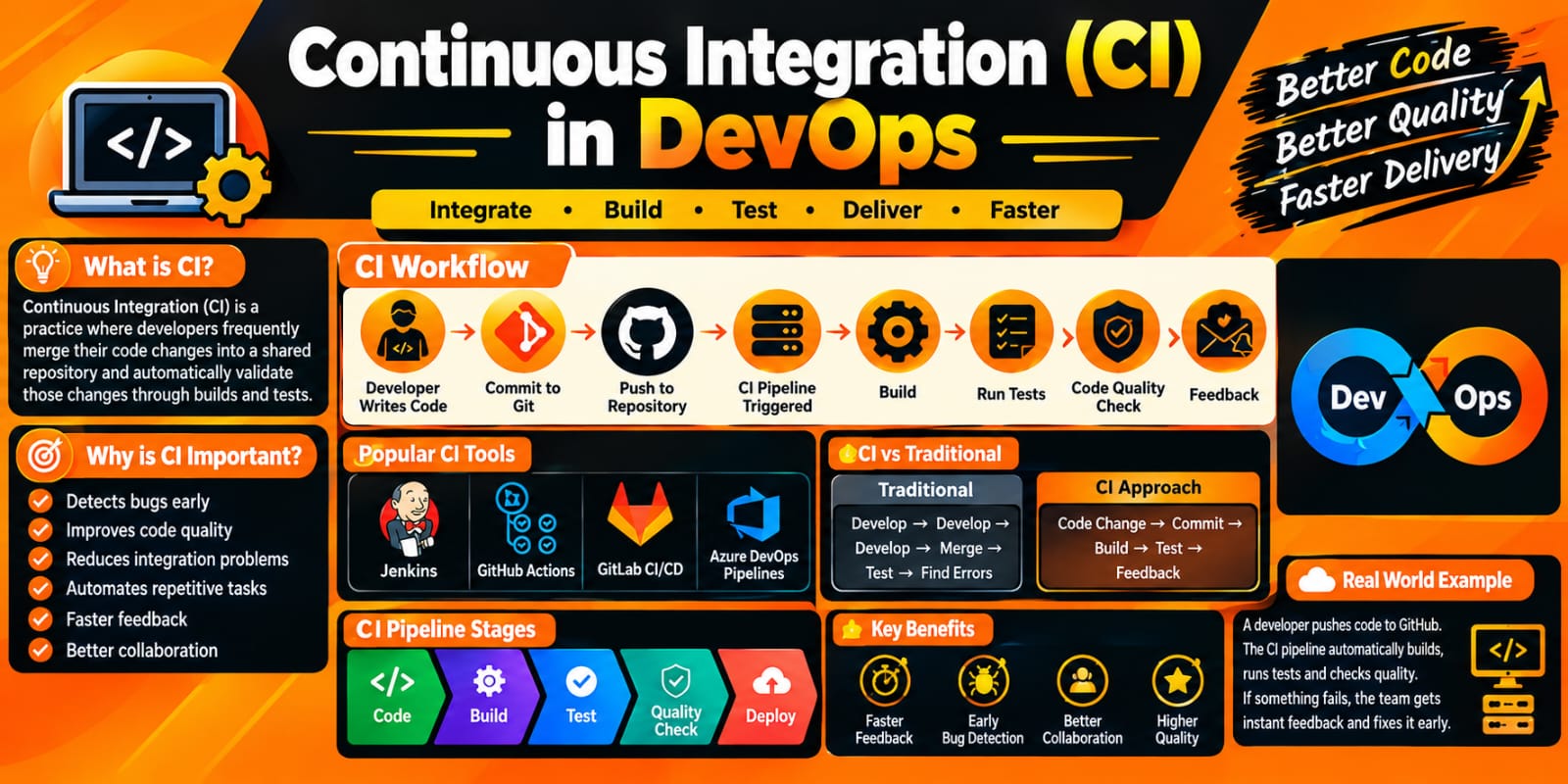
Kubernetes is commonly integrated with CI/CD tools used in DevOps.
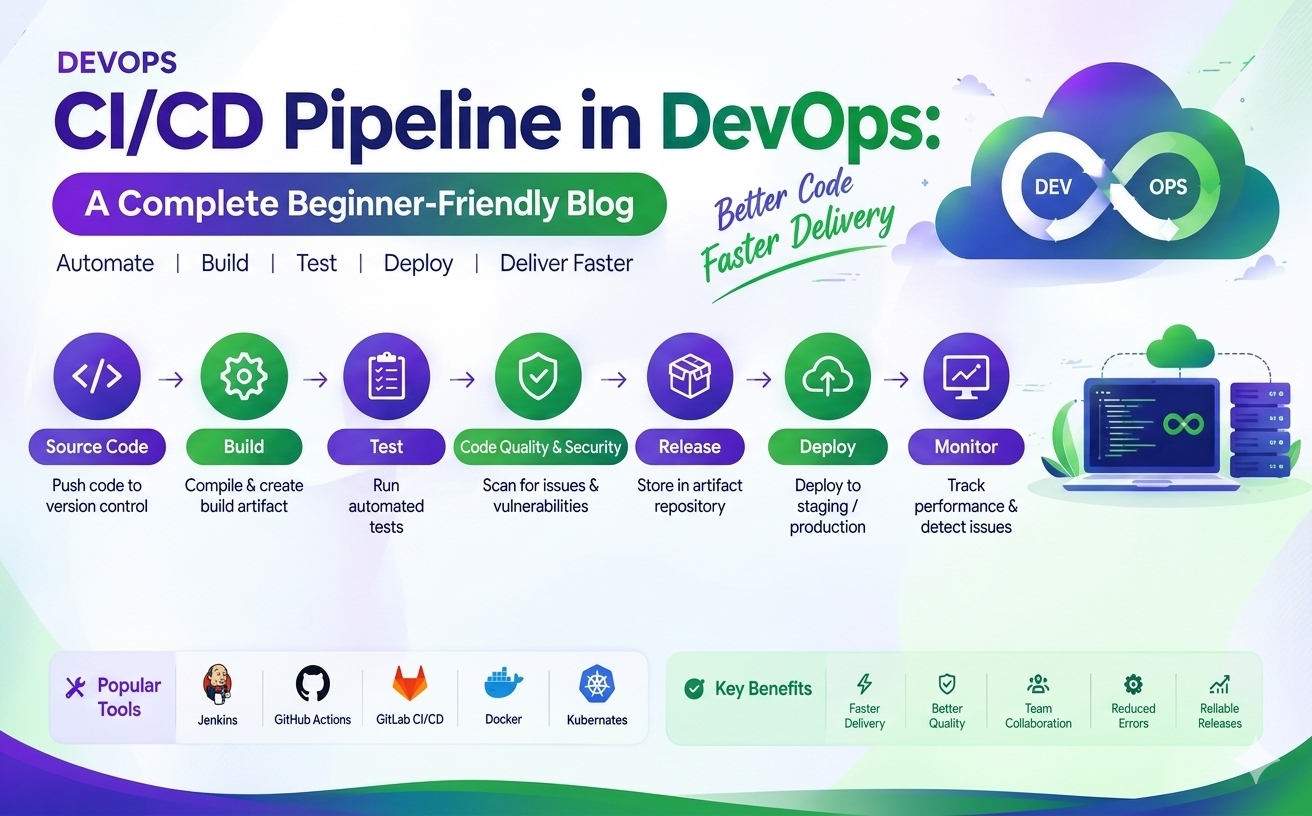
A typical CI/CD workflow can look like:
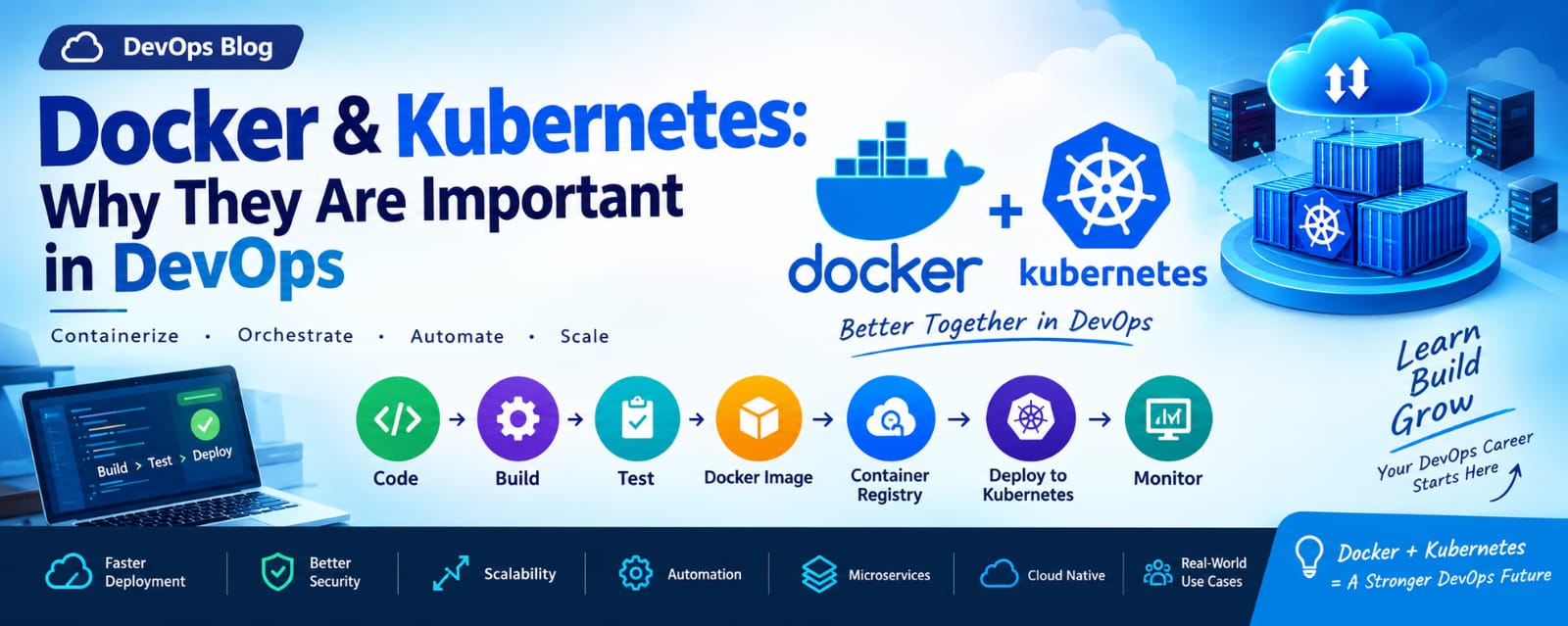
Developer → Git → CI Pipeline → Build → Test → Docker Image → Kubernetes → Production
A developer pushes code to a Git repository. The CI/CD pipeline builds and tests the application, creates a container image, and deploys the application to a Kubernetes cluster.
Popular CI/CD tools that can work with Kubernetes include Jenkins, GitHub Actions, GitLab CI/CD, and Azure DevOps.
Kubernetes and Docker
Docker and Kubernetes are often used together, but they have different purposes.
Docker is a container technology used to build and run containers.
Kubernetes is a container orchestration platform used to manage containerized applications across multiple machines.
In a typical DevOps environment:
Docker → Build Container Image
Container Registry → Store Image
Kubernetes → Deploy and Manage Application
Kubernetes in Cloud Computing
Kubernetes can be used on-premises as well as in cloud environments.
Major cloud providers offer managed Kubernetes services:
Amazon Elastic Kubernetes Service (EKS) – AWS
Azure Kubernetes Service (AKS) – Microsoft Azure
Google Kubernetes Engine (GKE) – Google Cloud
Managed Kubernetes services reduce the operational effort required to create and maintain Kubernetes infrastructure.
Benefits of Kubernetes
Kubernetes provides several important benefits for modern DevOps teams.
Automation
Kubernetes automates many application deployment and management tasks, reducing manual effort.
Scalability
Applications can be scaled based on workload and traffic requirements.
High Availability
Applications can continue running even when individual Pods or infrastructure components experience failures.
Self-Healing
Failed or unhealthy workloads can automatically be restarted or replaced.
Rolling Updates
New application versions can be released gradually, helping reduce downtime and deployment risks.
Efficient Resource Utilization
Kubernetes can distribute workloads across available infrastructure and help organizations use computing resources efficiently.
Real-World Example
Consider an e-commerce application running during a normal business day.
During normal traffic, the application may run with three Pods. During a major sale, thousands of users may access the application simultaneously.
Kubernetes can increase the number of application Pods to handle the additional traffic. After the traffic decreases, the application can scale back down.
This allows the application to handle changing demand while maintaining availability and performance.
Kubernetes Skills for DevOps Engineers
A DevOps engineer working with Kubernetes should understand:
Linux fundamentals
Git and GitHub
Docker and containers
Kubernetes architecture
Pods and Deployments
Services and networking
ConfigMaps and Secrets
Volumes and storage
Kubernetes security
CI/CD pipelines
Cloud platforms
Monitoring and logging
Learning these technologies together provides a strong foundation for modern DevOps and cloud engineering.
Conclusion
Kubernetes has become an important part of modern DevOps because it simplifies the management of containerized applications.
Its features such as automation, scaling, self-healing, high availability, and rolling updates help organizations deploy and operate applications more efficiently.
When combined with technologies such as Linux, Git, Docker, CI/CD, and cloud platforms, Kubernetes becomes a powerful skill for DevOps engineers and cloud professionals.
As organizations continue to adopt containers and cloud-native applications, Kubernetes knowledge can play an important role in building a successful DevOps career.