




Introduction
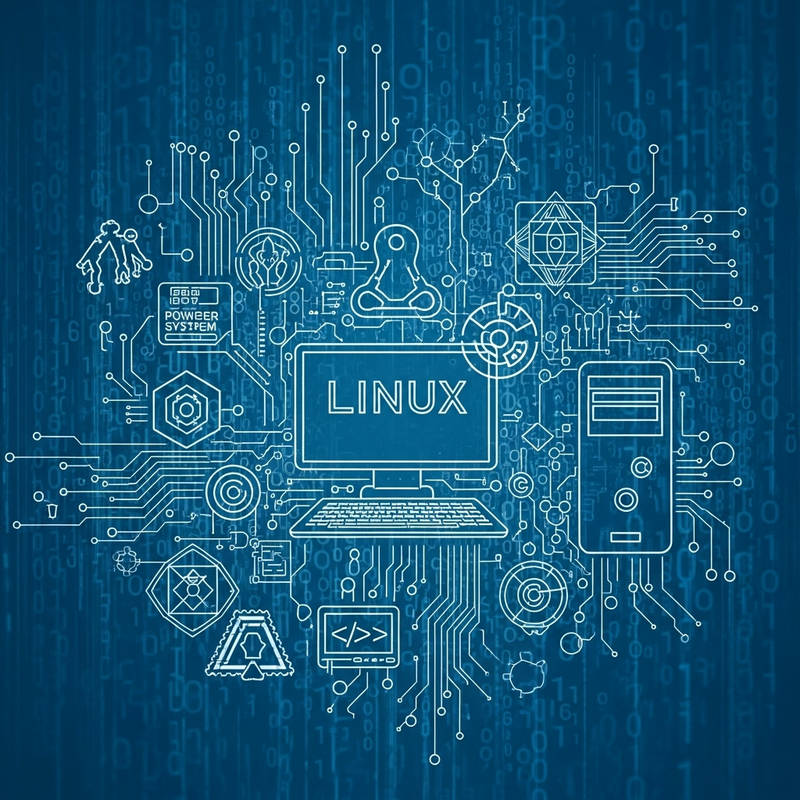
Linux is one of the most powerful, flexible, and widely used operating systems in the world today. From smartphones and smart TVs to cloud servers and supercomputers, Linux quietly runs much of modern technology. Unlike proprietary operating systems, Linux is open-source, meaning anyone can view, modify, and distribute its source code.
For students, developers, system administrators, and tech enthusiasts, learning Linux is not just a skill—it is a career advantage. This blog will give you a complete understanding of Linux: its history, architecture, distributions, commands, use cases, advantages, and future scope.
What is Linux?
Linux is an open-source operating system kernel created to manage hardware resources and provide a platform for software applications. Most people use Linux in the form of Linux distributions (distros), which combine the Linux kernel with system tools, libraries, and applications.
Key characteristics:
-
Free and open-source
-
Secure and stable
-
Multi-user and multitasking
-
Highly customizable
History of Linux
Linux was created in 1991 by Linus Torvalds, a Finnish computer science student. He wanted a free alternative to UNIX for personal computers. What started as a small hobby project quickly became a global collaboration.
Today, thousands of developers across the world contribute to Linux. Major companies like Google, Amazon, IBM, and Meta actively support Linux development.
Linux Architecture Explained
Linux follows a layered architecture:
1. Kernel
The kernel is the core of Linux. It manages:
-
CPU scheduling
-
Memory management
-
Device drivers
-
File systems
2. Shell
The shell is the interface between the user and the kernel. It allows users to execute commands.
Popular shells:
-
Bash
-
Zsh
-
Fish
3. System Libraries
These provide essential functions used by applications to interact with the kernel.
4. Applications
Web browsers, editors, servers, media players, and more run on top of Linux.
Linux Distributions (Distros)
A Linux distribution is a complete operating system built around the Linux kernel.
Popular Linux Distros:
-
Ubuntu – Best for beginners
-
Debian – Stable and secure
-
Fedora – Cutting-edge features
-
CentOS / Rocky Linux – Enterprise servers
-
Arch Linux – Advanced users
-
Kali Linux – Cybersecurity and ethical hacking
Each distro serves different needs, from desktops to servers to security testing.
Why Linux is So Popular
1. Open Source Freedom
You can modify Linux according to your needs. No licensing restrictions.
2. Security
Linux has strong permission models and fewer viruses compared to other OSs.
3. Stability
Linux systems can run for years without rebooting—ideal for servers.
4. Performance
Runs efficiently even on old hardware.
5. Community Support
Huge global community, forums, documentation, and tutorials.
Basic Linux Commands (Must-Know)
Here are some essential Linux commands every beginner should learn:
File & Directory Commands
File Viewing & Editing
System Commands
Permissions
Linux File System Structure
Linux uses a hierarchical file system:
-
/– Root directory -
/home– User files -
/etc– Configuration files -
/bin– Essential binaries -
/var– Logs and variable data -
/usr– User programs
Understanding this structure is key to mastering Linux.
Linux in Real-World Use Cases
1. Servers & Cloud Computing
Most web servers run Linux due to stability and security.
2. DevOps & Automation
Linux is the backbone of DevOps tools, CI/CD pipelines, and containers.
3. Cybersecurity
Ethical hackers use Linux for penetration testing and forensics.
4. Embedded Systems
Routers, IoT devices, smart TVs, and automotive systems use Linux.
5. Data Science & AI
Linux is preferred for AI, machine learning, and big data workloads.
Linux for Career Growth
Learning Linux opens doors to roles like:
-
Linux System Administrator
-
DevOps Engineer
-
Cloud Engineer
-
Cybersecurity Analyst
-
Site Reliability Engineer (SRE)
Certifications that boost careers:
-
Linux Foundation Certified System Administrator (LFCS)
-
Red Hat Certified Engineer (RHCE)
-
CompTIA Linux+
The future of Linux is extremely bright. With the growth of:
-
Cloud computing
-
Artificial Intelligence
-
Edge computing
-
Internet of Things (IoT)
Linux will continue to dominate. Android (based on Linux) alone powers billions of devices worldwide.
Conclusion
Linux is more than just an operating system—it is a foundation of modern technology. Whether you are a student, developer, or IT professional, learning Linux gives you technical confidence and career security.
If you want freedom, performance, security, and real-world relevance, Linux is the best choice. Start small, practice commands daily, explore distributions, and soon Linux will feel like home.