




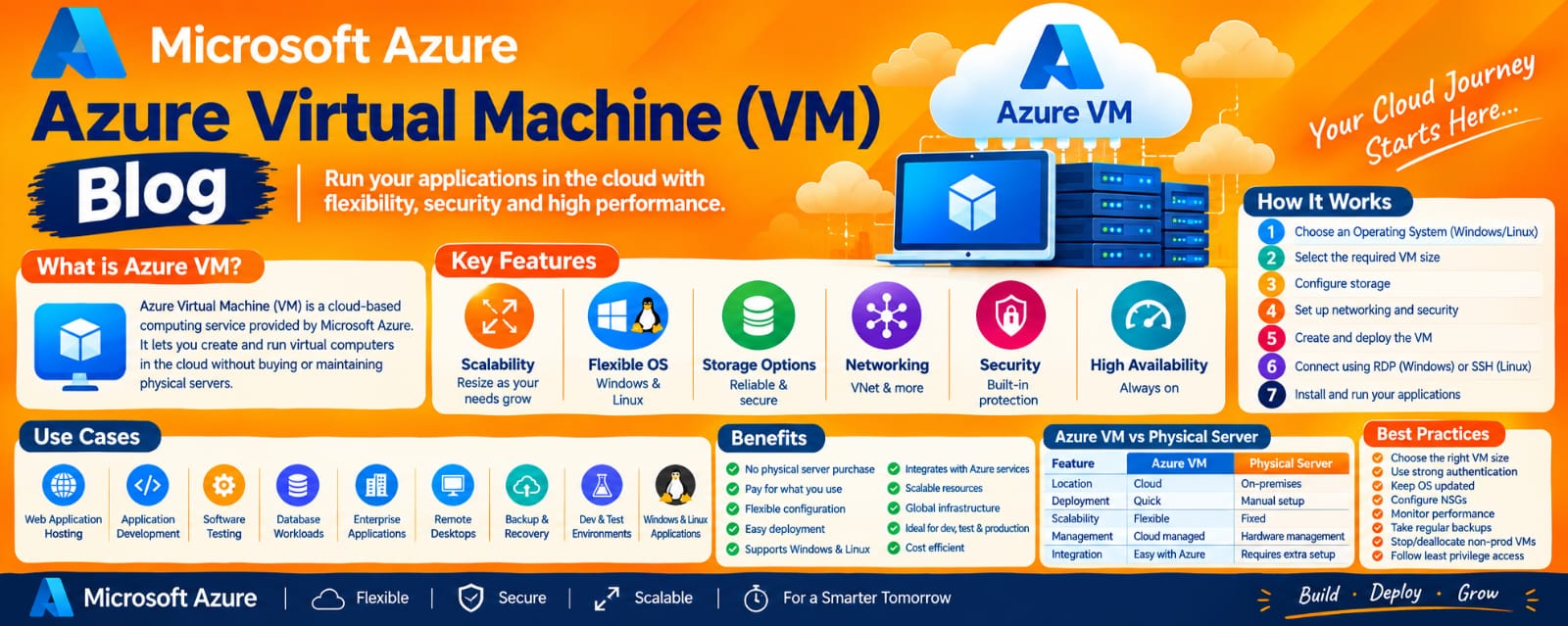
Azure Virtual Machine: A Complete Blog for Beginners
Introduction
Cloud computing has changed the way businesses build, deploy, and manage applications. Instead of purchasing expensive physical servers and maintaining hardware in a data center, organizations can use cloud platforms to create computing resources whenever they need them.
One of the most widely used cloud computing services is Azure Virtual Machine (Azure VM), provided by Microsoft Azure. An Azure Virtual Machine allows users to create and run a virtual server in the cloud. It can run Windows Server, Linux distributions, and various enterprise applications.
Azure Virtual Machines are commonly used for application hosting, development and testing, web servers, databases, DevOps environments, enterprise workloads, and many other scenarios.
This blog explains Azure Virtual Machines in detail, including their architecture, components, features, VM sizes, storage, networking, security, pricing, use cases, advantages, limitations, and best practices.
What is an Azure Virtual Machine?
An Azure Virtual Machine is an on-demand virtualized computing resource hosted in Microsoft Azure.
A virtual machine behaves similarly to a physical computer. It has:
CPU
Memory
Operating System
Storage
Network connectivity
Security controls
However, instead of running on hardware located in your office or data center, the VM runs on Azure's physical infrastructure.
For example, you can create a Linux VM in Azure and install:
Nginx
Apache
Docker
Jenkins
Kubernetes tools
Databases
Web applications
Development tools
Similarly, you can create a Windows VM and install Windows-based applications.
In simple terms:
Azure VM = A virtual computer running on Microsoft Azure's cloud infrastructure.
Why Do We Need Azure Virtual Machines?
Traditionally, organizations had to purchase physical servers before hosting applications.
This required:
Hardware purchase
Data center space
Electricity
Cooling systems
Networking equipment
Hardware maintenance
Operating system installation
Security configuration
Hardware replacement
Cloud computing reduces much of this infrastructure burden.
With Azure Virtual Machines, you can create a server within minutes and configure it according to your workload.
For example, if a development team needs a Linux server for testing, they can create an Azure VM, perform their testing, and later delete the VM when it is no longer required.
This provides flexibility and helps organizations avoid purchasing physical infrastructure for temporary workloads.
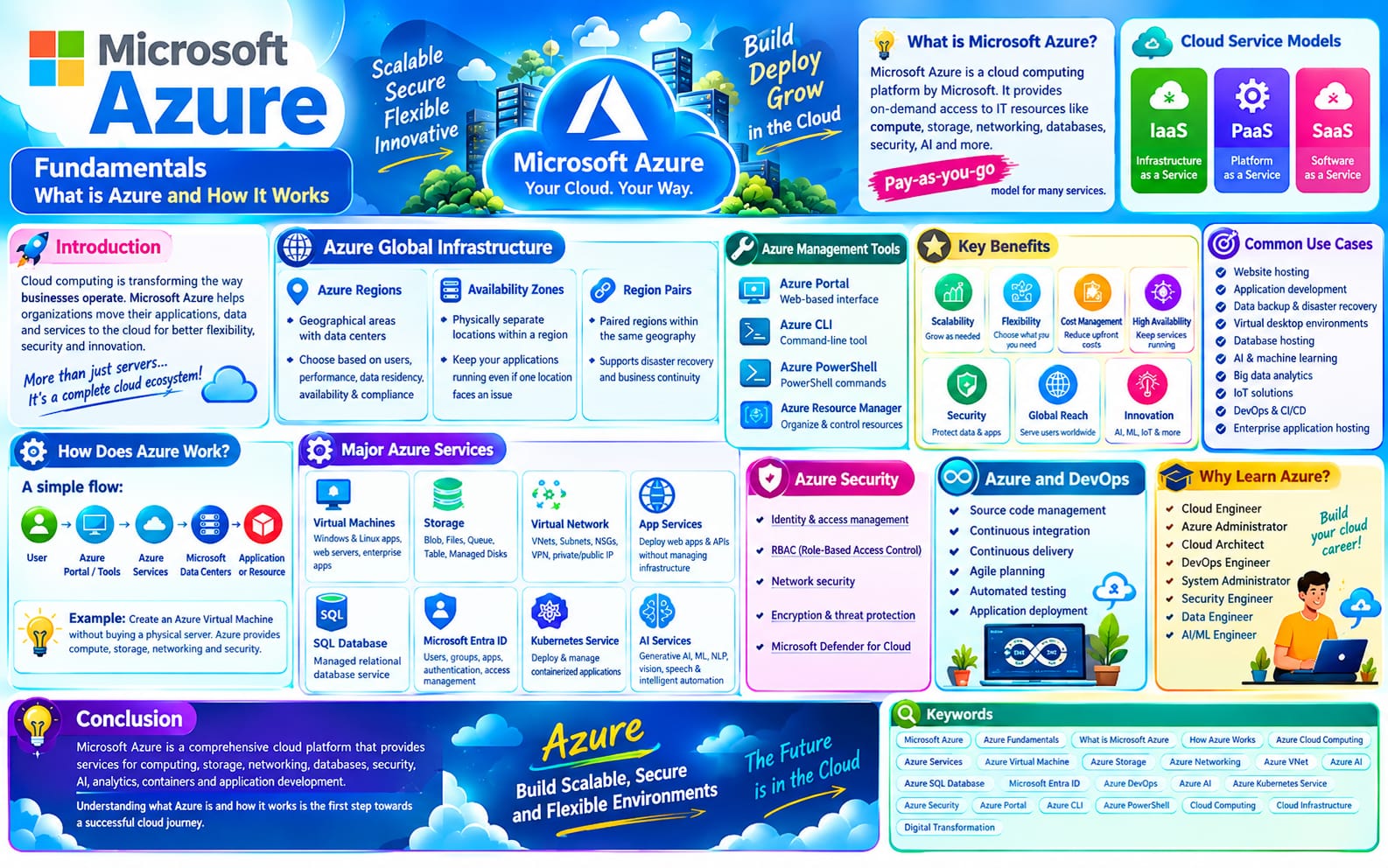
How Does an Azure Virtual Machine Work?
When you create an Azure VM, Azure allocates computing resources from its physical infrastructure.
A simplified flow is:
User → Azure Portal / CLI → Virtual Machine → Operating System → Application
The VM is associated with several Azure resources.
For example:
Virtual Machine
↓
Network Interface
↓
Virtual Network
↓
Subnet
↓
Network Security Group
The VM also uses storage resources such as an OS disk and optional data disks.
Azure manages the underlying physical hardware, while the customer manages the operating system and software running inside the VM.
Azure VM Architecture
Understanding the architecture of an Azure VM is important for cloud and DevOps professionals.
A typical Azure VM environment includes:
1. Virtual Machine
The VM provides the compute resources required to run the operating system and applications.
2. Virtual Network
An Azure Virtual Network, commonly called a VNet, provides private networking for Azure resources.
3. Subnet
A subnet divides the VNet into smaller network segments.
The VM's network interface is connected to a subnet.
4. Network Interface
A Network Interface Card (NIC) connects the VM to the virtual network.
It provides network connectivity and can be associated with private and public IP configurations.
5. Public IP Address
A public IP can be associated with a VM when internet-accessible connectivity is required.
6. Network Security Group
An NSG controls inbound and outbound network traffic using security rules.
7. Managed Disks
Azure Managed Disks provide persistent storage for VM operating systems and data.
Major Components of an Azure VM
An Azure VM is not just a single resource. Several components work together to provide a complete server environment.
Operating System
Azure supports many Windows and Linux operating system images.
Common Linux options include distributions such as Ubuntu and Red Hat Enterprise Linux, depending on Azure Marketplace availability and licensing.
Windows Server images are also available.
The operating system determines how you connect to and manage the server.
VM Size
The VM size determines the amount of computing resources available to the virtual machine.
Depending on the selected size, the VM can have different amounts of:
vCPUs
Memory
Temporary storage
Network performance
Disk capabilities
Choosing the correct VM size is important because selecting an unnecessarily large VM can increase costs.
For a small development workload, a smaller VM may be sufficient.
For a production application with heavy CPU or memory requirements, a larger VM may be necessary.
Azure VM Size Categories
Azure provides different VM families designed for different workloads.
General Purpose
General-purpose VMs provide a balanced ratio of CPU and memory.
They are suitable for:
Web servers
Development environments
Small databases
Application servers
Compute Optimized
Compute-optimized VMs provide a higher CPU-to-memory ratio.
They can be useful for:
Application servers
Batch processing
High-performance compute workloads
Memory Optimized
Memory-optimized VMs provide more memory relative to CPU.
They are suitable for workloads such as:
Large databases
In-memory analytics
Enterprise applications
Storage Optimized
Storage-optimized VMs are designed for workloads that require high disk throughput and I/O performance.
GPU VMs
GPU-enabled VM families are designed for specialized workloads such as:
Machine learning
AI
Graphics rendering
Video processing
Parallel computing
Azure VM Storage
Storage is an important part of an Azure VM.
Azure VMs commonly use managed disks for persistent storage.
There are three important disk concepts to understand.
OS Disk
The OS disk contains the operating system.
For example:
A Linux VM may have an Ubuntu OS disk.
A Windows VM may have a Windows Server OS disk.
The VM uses the OS disk during boot.
Data Disk
A data disk is used to store application or business data separately from the operating system.
Temporary Disk
Some Azure VM sizes provide temporary storage.
Temporary storage is intended for data that can be recreated or does not need to survive certain VM lifecycle events.
Therefore, important business data should not be stored only on temporary storage.
Azure VM Networking
Networking is another critical component of an Azure VM.
An Azure VM typically connects to an Azure Virtual Network.
A simplified structure is:
VNet → Subnet → Network Interface → Virtual Machine
The VM can communicate with other resources inside the VNet according to network configuration and security rules.
Private IP Address
A private IP address is used for communication within a virtual network or connected network environment.
For example, an application server can communicate with a database server using private networking without exposing the database directly to the public internet.
Public IP Address
A public IP address provides internet-facing connectivity when required.
However, exposing administrative ports directly to the internet should be carefully controlled.
Network Security Group
A Network Security Group (NSG) provides traffic filtering through security rules.
For example:
Linux VM
SSH → Port 22
Windows VM
RDP → Port 3389
Web Server
HTTP → Port 80
HTTPS → Port 443
A security rule can specify:
Source
Destination
Port
Protocol
Direction
Allow or Deny action
Priority
Using appropriate NSG rules helps reduce unnecessary network exposure.
Azure VM and DevOps
Azure VMs are widely used in DevOps environments.
A DevOps team may use VMs to host:
Jenkins
GitLab runners
Build agents
Docker environments
Monitoring tools
Application servers
Testing environments
For example:
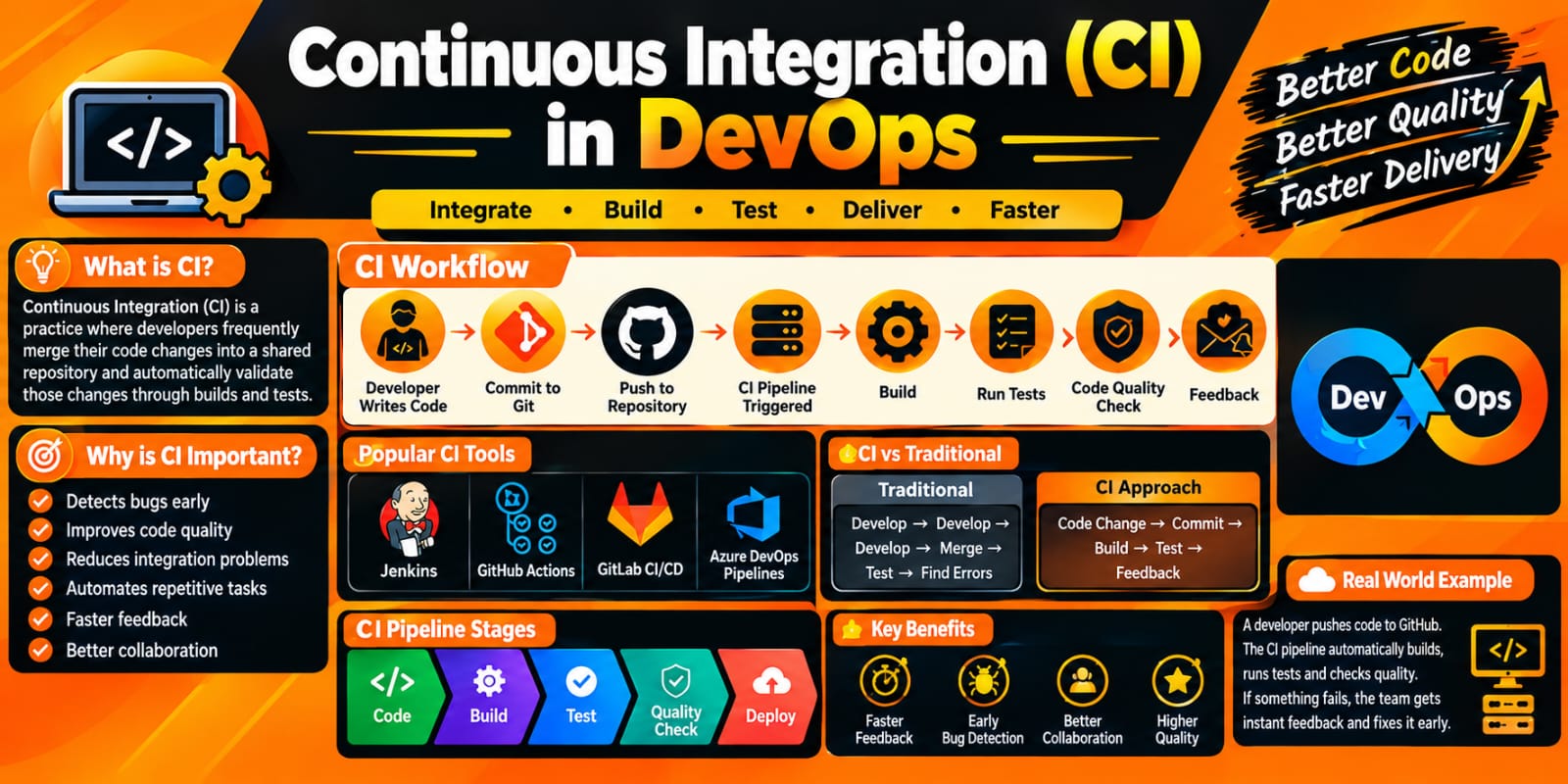
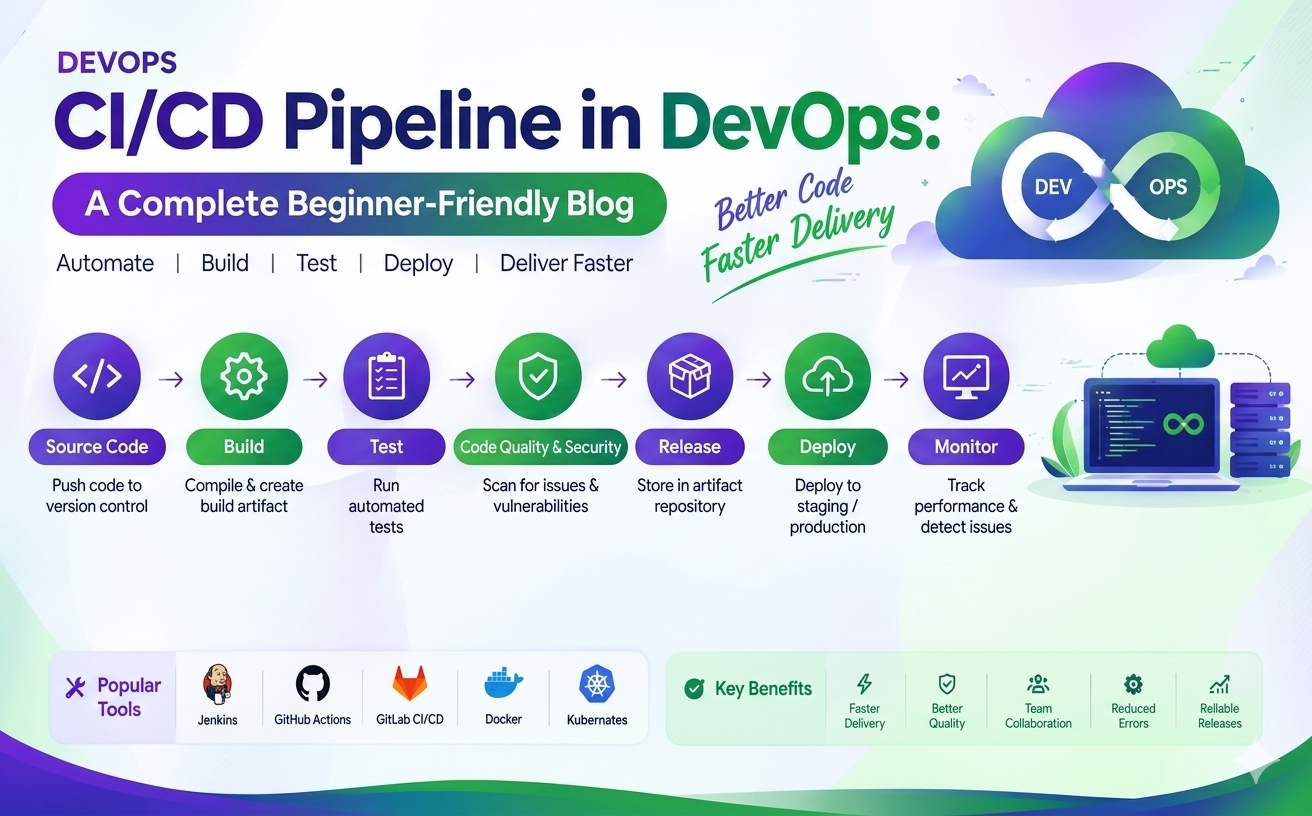
Developer → Git Repository → Jenkins → Build → Test → Docker Image → Deployment
Azure VMs can provide the infrastructure required for different stages of this workflow.
Advantages of Azure Virtual Machines
1. Flexibility
You can choose the operating system, VM size, storage, and network configuration.
2. Scalability
VM resources and the number of instances can be adjusted according to workload requirements.
3. Fast Deployment
A VM can generally be provisioned much faster than purchasing and configuring physical hardware.
4. Global Infrastructure
Azure provides cloud infrastructure across multiple regions.
5. Wide OS Support
Azure supports Windows and various Linux distributions.
6. Integration
VMs integrate with Azure networking, storage, monitoring, security, identity, backup, and other services.
7. Automation
VM deployments can be automated using CLI, PowerShell, templates, and Infrastructure as Code.
Conclusion
Azure Virtual Machine is one of the fundamental compute services in Microsoft Azure. It provides organizations with flexible virtual servers that can run Windows or Linux operating systems and a wide range of applications.
To work effectively with Azure VMs, it is important to understand VM sizing, managed disks, networking, IP addresses, NSGs, authentication, security, availability, monitoring, backup, scaling, and cost optimization.
Azure Virtual Machines are especially important for cloud engineers, DevOps engineers, system administrators, developers, and IT professionals because they provide a practical foundation for understanding cloud infrastructure.
As organizations continue moving workloads from traditional data centers to cloud platforms, knowledge of Azure Virtual Machines remains an important part of building and managing cloud-based infrastructure.
.