




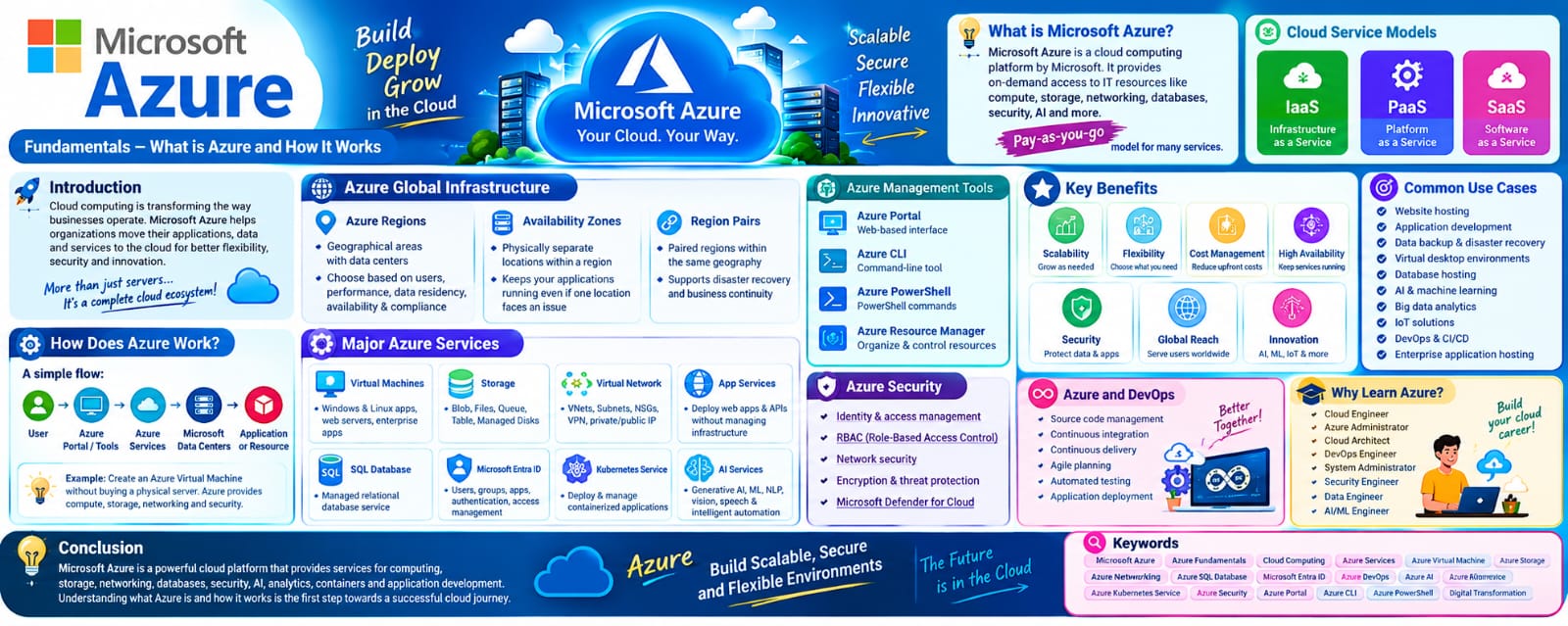
Microsoft Azure Fundamentals: Understanding Cloud Computing and Azure Services
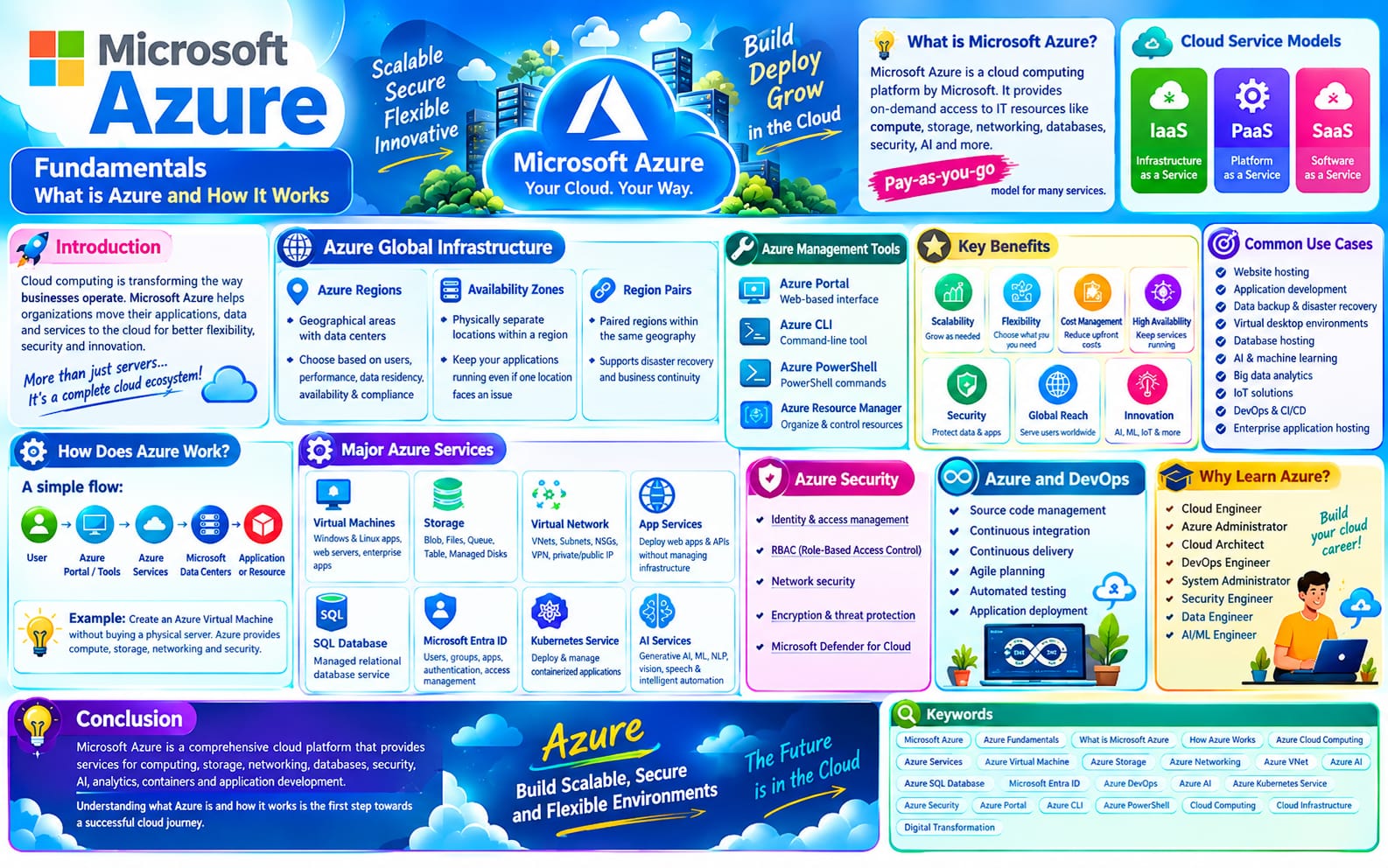
Microsoft Azure is one of the leading cloud computing platforms used by organizations to build, deploy, manage, and scale applications and IT infrastructure. Azure provides a wide range of cloud services, including computing, storage, networking, databases, security, monitoring, and artificial intelligence.
Understanding Azure fundamentals is an important first step for beginners who want to start a career in cloud computing, DevOps, cloud administration, or cloud engineering.
What is Microsoft Azure?
Microsoft Azure is a cloud computing platform provided by Microsoft. Instead of purchasing and maintaining physical servers and other hardware, organizations can use Azure services through the internet.
Azure follows a flexible pay-as-you-go model for many services, allowing organizations to use cloud resources according to their requirements.
Azure can be used for:
Hosting websites and applications
Creating virtual machines
Storing files and data
Running databases
Building and deploying applications
Creating virtual networks
Implementing backup and disaster recovery
Monitoring applications and infrastructure
Developing AI and machine learning solutions
Why Learn Azure Fundamentals?
Learning Azure fundamentals helps beginners understand how cloud infrastructure works and how different Azure services work together.
Azure knowledge is useful for:
Cloud Engineers
DevOps Engineers
System Administrators
Cloud Administrators
Software Developers
Network Engineers
Security Engineers
IT Professionals
A strong understanding of fundamental Azure concepts makes it easier to learn advanced Azure technologies.
Azure Global Infrastructure
Azure provides a global infrastructure designed to deliver cloud services across different geographical locations.
Azure Regions
An Azure Region is a geographical location that contains one or more Azure datacenters.
Organizations can select a region based on factors such as:
User location
Application performance
Data residency requirements
Service availability
Compliance requirements
Availability Zones
Availability Zones are physically separate locations within an Azure region. They provide additional protection against datacenter-level failures.
Applications can be designed across multiple availability zones to improve resilience.
Important Azure Service Categories
Azure provides hundreds of services, but beginners should first understand the major service categories.
1. Azure Compute
Compute services provide processing power for applications and workloads.
Examples include:
Azure Virtual Machines
Azure App Service
Azure Functions
Azure Kubernetes Service (AKS)
Azure Container Apps
Azure Virtual Machines allow users to create and manage virtual servers in the cloud.
2. Azure Storage
Azure Storage provides scalable cloud storage for different types of data.
Important storage services include:
Blob Storage
Azure Files
Queue Storage
Table Storage
Managed Disks
Azure Blob Storage is commonly used for storing unstructured data such as images, videos, documents, and backups.
3. Azure Networking
Azure networking services allow applications and resources to communicate securely.
Important networking concepts include:
Virtual Network (VNet)
Subnet
Network Security Group (NSG)
Azure Load Balancer
Application Gateway
Azure Firewall
VPN Gateway
Private Endpoint
NAT Gateway
An Azure Virtual Network provides a private networking environment for Azure resources.
4. Azure Database Services
Azure provides managed database services so organizations can store and manage application data without maintaining all the underlying infrastructure themselves.
Examples include:
Azure SQL Database
Azure Database for PostgreSQL
Azure Cosmos DB
Azure Database for MySQL
5. Azure Security
Security is an important part of cloud computing.
Azure provides services and features for:
Identity management
Access control
Threat protection
Encryption
Network security
Security monitoring
Microsoft Entra ID is Microsoft's cloud-based identity and access management service.
Azure Resource Groups
An Azure Resource Group is a logical container used to organize related Azure resources.
For example, a web application might contain:
Virtual Machine
Storage Account
Database
Virtual Network
These resources can be organized within a resource group, making resource management easier.
Azure Management Tools
Azure provides several ways to create and manage cloud resources.
Azure Portal
The Azure Portal is a web-based graphical interface. Beginners commonly use the portal to create and manage Azure resources.
Azure CLI
Azure CLI allows administrators and developers to manage Azure resources using command-line commands.
Azure PowerShell
Azure PowerShell provides PowerShell-based commands for managing Azure resources.
ARM Templates and Infrastructure as Code
Azure Resource Manager templates can be used to define infrastructure through code. Infrastructure-as-code approaches help automate and standardize resource deployments.
Azure Pricing and Cost Management
Understanding Azure pricing is an important fundamental concept.
Azure costs can depend on:
Service type
Resource size
Region
Usage
Storage capacity
Data transfer
Operating time
Azure provides tools such as Azure Cost Management to help organizations monitor and analyze cloud spending.
Azure Identity and Access Management
Identity and access management controls who can access Azure resources and what actions they can perform.
Important concepts include:
Microsoft Entra ID
Users
Groups
Roles
Role-Based Access Control (RBAC)
Managed identities
Azure RBAC allows administrators to assign permissions based on roles rather than giving every user full access.
Azure Monitoring
Monitoring helps organizations understand the performance and health of their cloud resources.
Azure Monitor can collect and analyze monitoring data from applications and infrastructure.
Organizations can use monitoring to identify:
Performance problems
Resource utilization
Application errors
Availability issues
Infrastructure problems
Azure Backup and Disaster Recovery
Cloud environments also require data protection and recovery strategies.
Azure provides services for:
Backup
Disaster recovery
Data protection
Business continuity
Azure Backup can protect supported workloads and help restore data when required.
Azure and DevOps
Azure plays an important role in modern DevOps environments.
Azure can be integrated with development and deployment workflows for:
Source code management
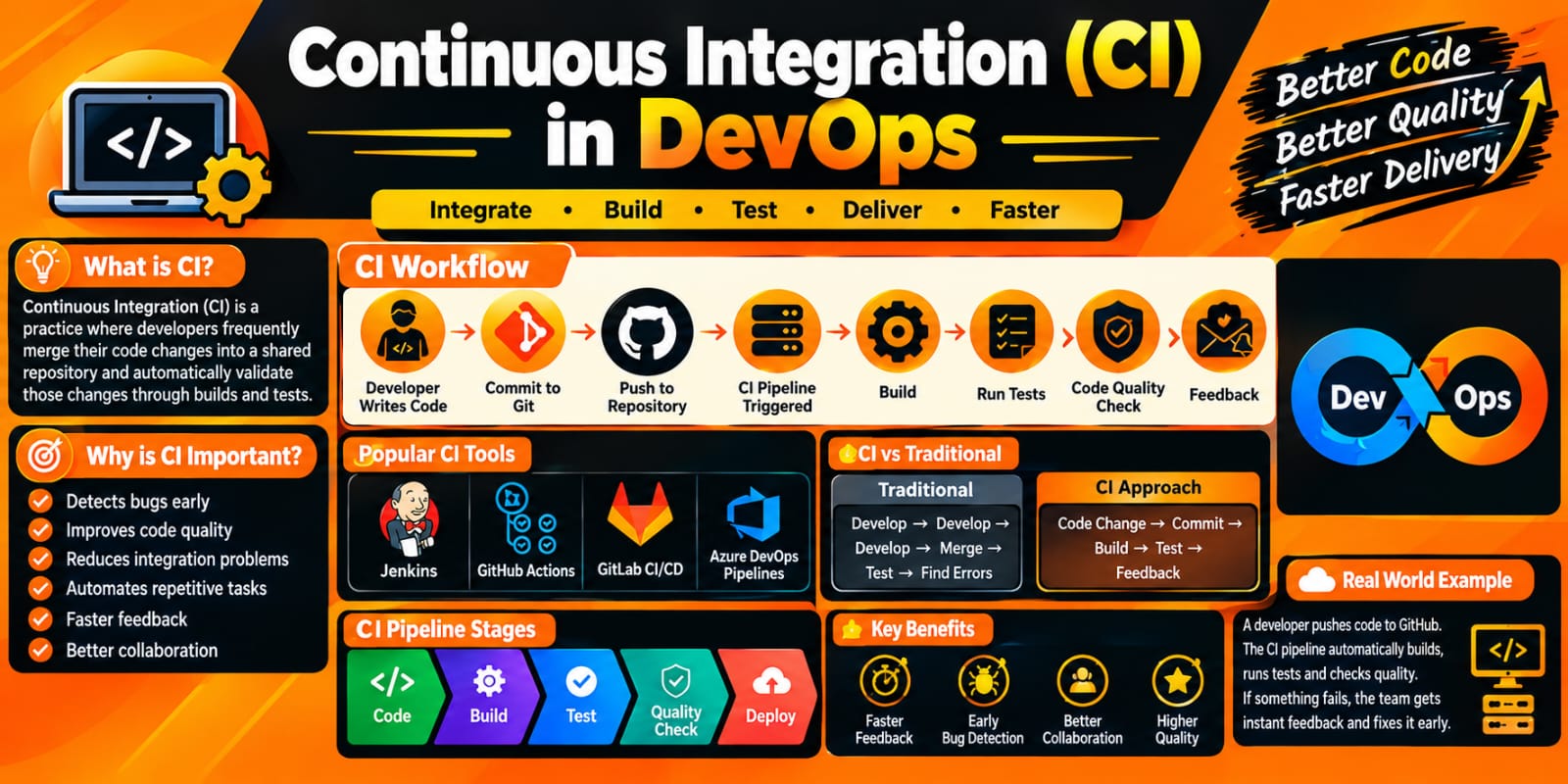
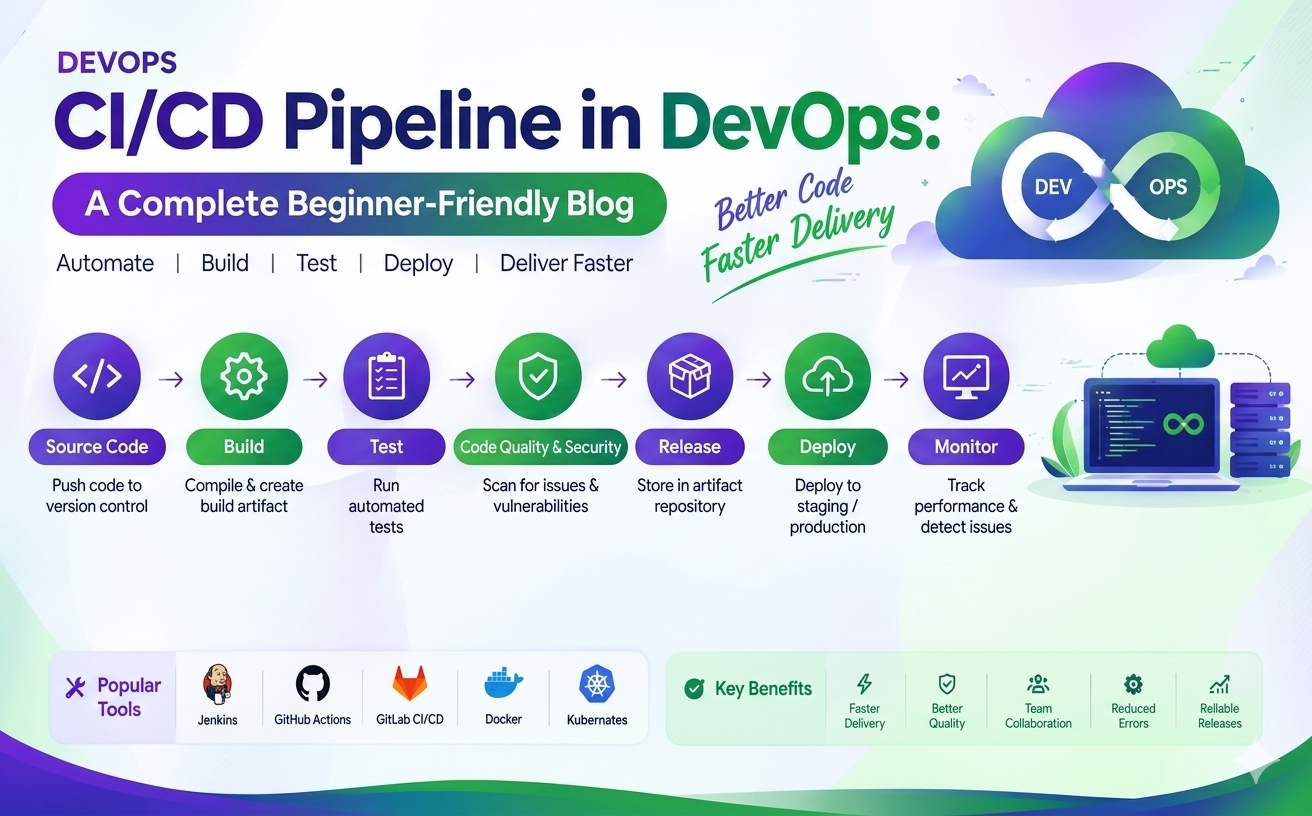
Continuous Integration
Continuous Delivery
Automated testing
Infrastructure deployment
Application monitoring
Azure services can also integrate with popular DevOps tools and platforms.
Basic Azure Architecture Example
A simple web application architecture could contain:
User → Application Gateway → Web Application → Database
Additional Azure services can be added for:
Security
Monitoring
Backup
Storage
Networking
Identity management
Understanding how these services connect is an important part of learning Azure.
Benefits of Learning Azure Fundamentals
Learning Azure fundamentals provides a foundation for understanding cloud infrastructure and Azure services.
Key benefits include:
Understanding cloud computing concepts
Learning Azure core services
Understanding cloud networking
Learning identity and security basics
Understanding Azure storage
Managing cloud resources
Understanding cloud pricing
Building a foundation for DevOps and cloud careers
Conclusion
Microsoft Azure provides a broad collection of cloud services for computing, storage, networking, databases, security, monitoring, and application development. Beginners should first understand fundamental concepts such as Azure Regions, Availability Zones, Resource Groups, Virtual Machines, Storage, Virtual Networks, Microsoft Entra ID, RBAC, Azure Monitor, and Azure pricing.