

Artificial Intelligence is no longer just a trending topic in tech. In 2026, it has become a practical skill that every IT student should understand. Whether you want to become a software developer, cloud engineer, DevOps professional, cybersecurity analyst, data scientist, or AI engineer, AI tools are now part of everyday work. Huzefai’s recent blog content also reflects this direction, with a strong focus on AI, cloud, Linux, DevOps, and career readiness for students.
For IT students, learning AI tools is not only about using
chatbots. It is about improving productivity, writing better code,
understanding concepts faster, automating tasks, building projects, and
preparing for modern job roles. The students who learn how to use the right AI
tools today will have a major advantage in internships, interviews,
certifications, and real-world projects.
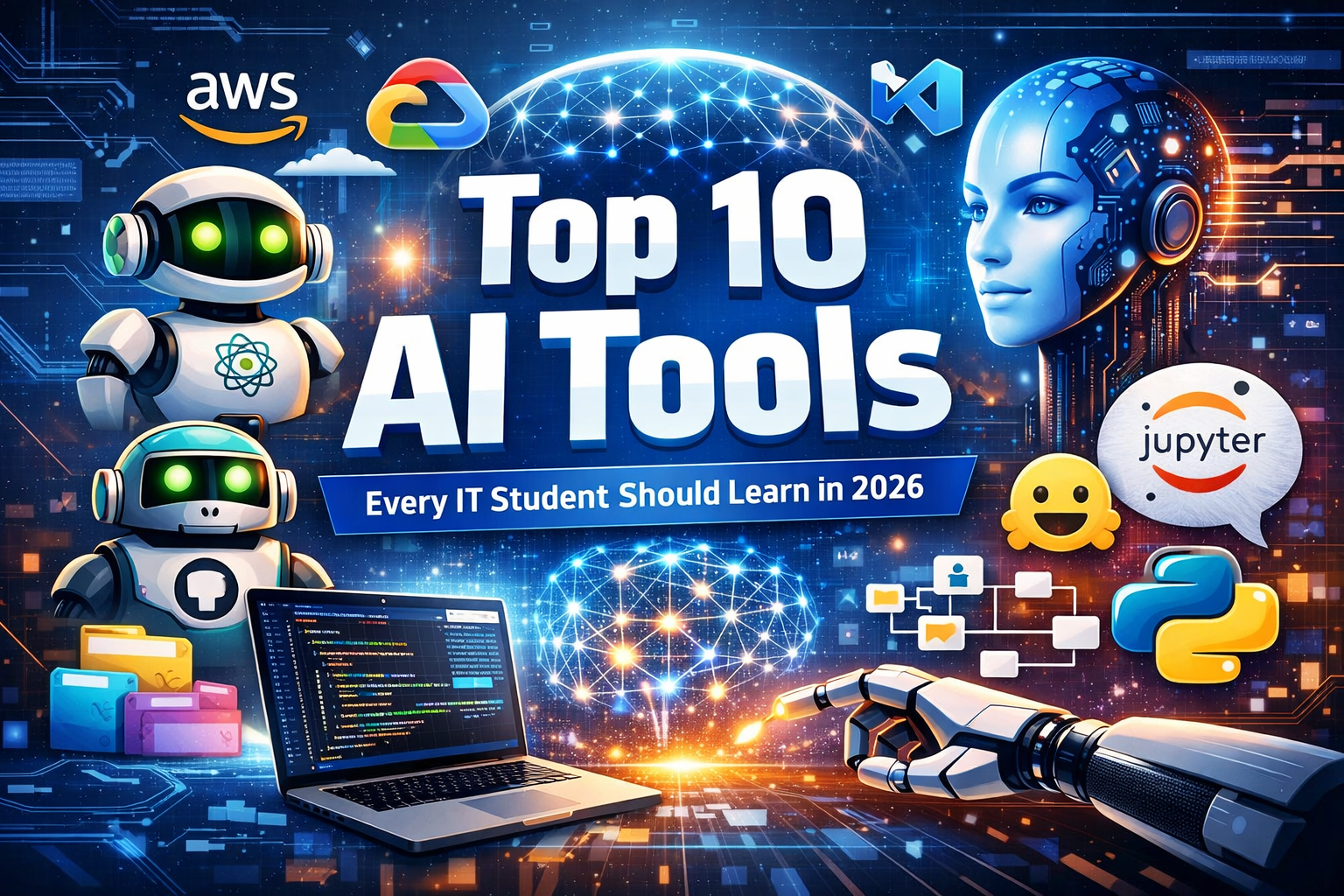
In this article, we will explore the top 10 AI tools
every IT student should learn in 2026, why they matter, and how they can be
used effectively.
Why AI Tools Matter for IT Students
The IT industry is changing quickly. Students are no longer
expected to learn only theory. Companies now look for practical skills, project
experience, problem-solving ability, and familiarity with modern tools. AI
tools help students learn faster and work smarter. They can explain technical
concepts, generate code suggestions, summarize documentation, create study
notes, help with research, and improve communication.
But there is one important rule: AI should support
learning, not replace it. Huzefai’s own student-focused AI content makes
the same point clearly—AI is most valuable when it improves understanding,
productivity, and confidence rather than becoming a shortcut for copying work.
Now let us look at the tools.
1. ChatGPT
ChatGPT is one of the most useful AI tools an IT student can
learn. It works like a 24/7 tutor, coding assistant, brainstorming partner, and
explanation engine. Students can use it to understand programming concepts,
generate examples, debug small pieces of code, create project ideas, prepare
for interviews, and learn technical topics in simpler language.
For example, if a student is learning Python, they can ask
ChatGPT to explain loops, functions, APIs, exception handling, or machine
learning libraries with examples. If they are studying cloud computing, they
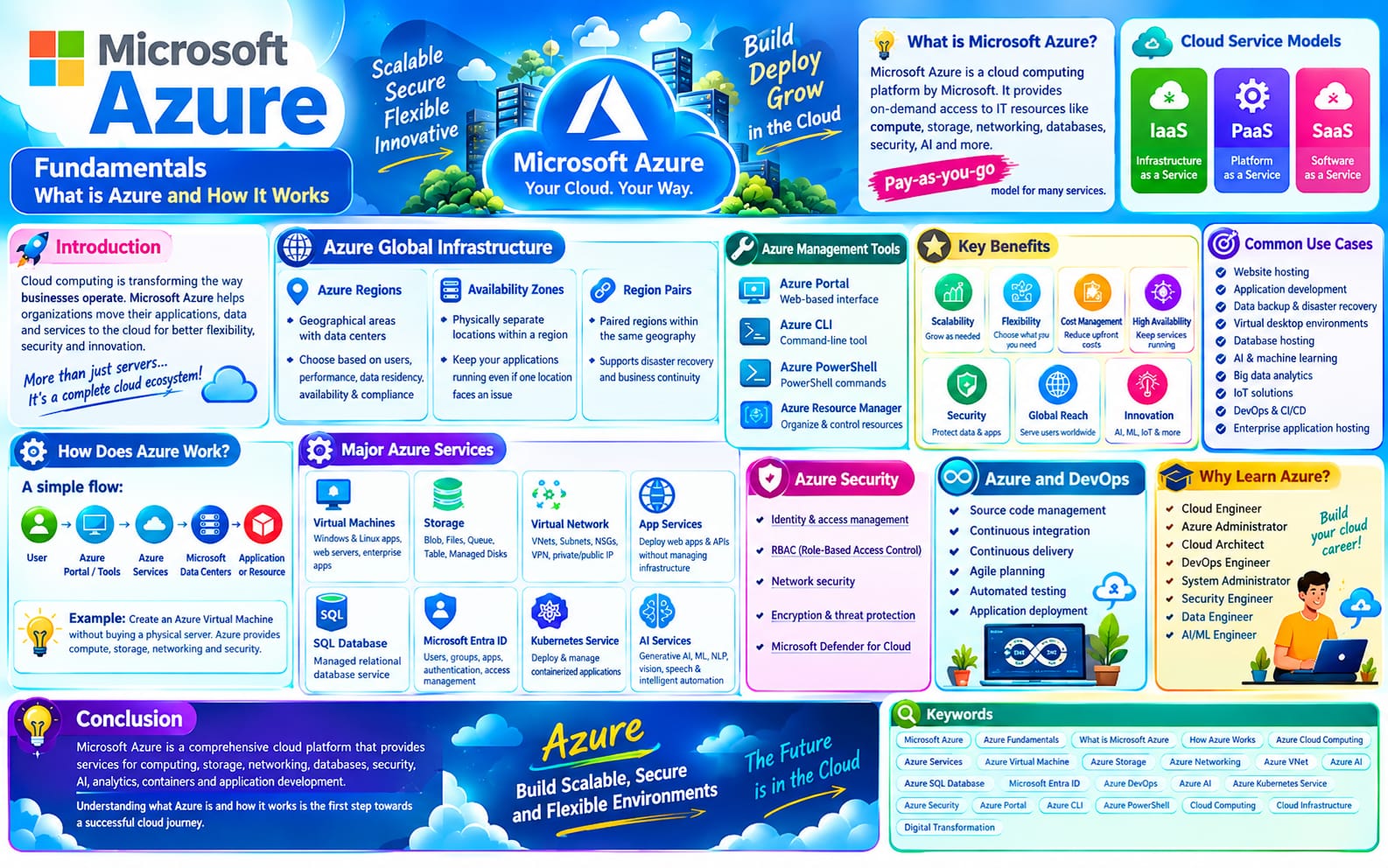
can ask for a simple explanation of AWS, Azure, Docker, Kubernetes, or DevOps
pipelines.
The biggest benefit of ChatGPT is speed. Instead of spending
hours confused by scattered tutorials, students can get guided explanations
instantly. OpenAI positions ChatGPT as a general-purpose AI assistant used for
writing, coding, learning, and problem solving, which is exactly why it is
useful for students across IT domains.
2. GitHub Copilot
GitHub Copilot is an AI coding assistant that helps students
write code faster and learn real development workflows. It can suggest
functions, complete lines of code, generate boilerplate, and help students
understand how to structure small applications.
For IT students, this is extremely valuable because coding
practice is essential. Beginners often know the concept but struggle to
translate it into code. Copilot reduces that gap. A student building a Python
automation script, a Flask app, or a JavaScript project can use Copilot to
speed up development and discover better syntax patterns.
It should not be used blindly, though. Students still need
to review every suggestion and understand what the code is doing. That is the
real learning process. Used properly, Copilot acts like a coding mentor that
makes practice less intimidating and more productive.
3. Google Gemini
Google Gemini is another powerful AI assistant that IT
students should explore. It is especially useful for research, explanation,
summarization, and workflow integration with Google’s ecosystem. Students who
already use Google Docs, Gmail, Google Drive, and other Google tools may find
Gemini helpful for organizing academic work and project research.
Gemini can assist with understanding technical topics,
summarizing long articles, drafting documentation, and generating content ideas
for presentations or assignments. For students working on cloud and AI topics,
this can save a lot of time during the research phase.
Learning more than one AI assistant is a smart move.
Different tools have different strengths, and students who compare outputs
critically develop stronger judgment.
4. Microsoft Copilot
Microsoft Copilot is important because many companies use
Microsoft tools in real work environments. IT students who know how to use
Microsoft Copilot gain an early advantage in workplace productivity. It can
help with writing documents, summarizing content, creating reports, managing
tasks, and improving communication.
For students, this becomes useful in internships,
documentation work, project reports, and presentations. It also introduces them
to how AI is being integrated into enterprise productivity tools, which is
highly relevant for careers in business IT, cloud platforms, and digital
transformation roles.
Learning Microsoft Copilot is not only about the tool
itself. It helps students understand how AI is entering enterprise ecosystems
and becoming part of normal office and technical workflows.
5. Hugging Face
Hugging Face is one of the most important platforms for
students who want to move beyond using AI tools and start understanding how AI
models actually work. It gives access to thousands of models for natural
language processing, computer vision, audio, and other AI tasks.
For IT students interested in machine learning, data
science, or AI engineering, Hugging Face is a must-learn platform. It allows
students to experiment with pretrained models, explore datasets, and learn how
modern AI applications are built. It is also useful for portfolio projects,
such as chatbot building, text classification, summarization, sentiment
analysis, and image-related AI tasks.
This is the bridge between “using AI” and “building with
AI.”
6. Jupyter Notebook
Jupyter Notebook remains one of the most practical learning
tools for AI, machine learning, Python programming, and data analysis. It
allows students to write code, run it step by step, visualize outputs, and
document their work in one place.
For IT students, especially beginners, Jupyter makes
learning easier because it is interactive. Instead of writing everything in a
full application, students can test one idea at a time. This is perfect for
Python basics, data preprocessing, machine learning experiments, and
mini-projects.
Students who want to learn AI properly should become
comfortable with Jupyter early. It is widely used in education, data science,
and model experimentation, and it makes technical learning much more hands-on.
7. VS Code with AI Extensions
Visual Studio Code is one of the most widely used code
editors, and in 2026 it becomes even more useful when combined with AI
extensions. IT students can use it for Python, JavaScript, web development,
cloud scripts, automation, and AI projects.
AI-powered extensions inside VS Code can help with
debugging, code completion, documentation, test generation, and error fixing.
This gives students a more professional development environment and prepares
them for real-world workflows used by developers and engineers.
Learning AI inside the same coding workspace where you build
projects is a huge productivity gain. Instead of switching between tools,
students can learn and build in one place.
8. Notion AI
Technical students often focus only on coding tools, but
productivity tools are equally important. Notion AI helps students organize
notes, summarize class material, plan study schedules, create project boards,
and manage learning goals.
This is especially useful for students learning multiple
topics at once, such as Python, cloud computing, Linux, DevOps, and AI
fundamentals. With Notion AI, they can keep everything in one place and reduce
confusion.
A student with good organization often learns faster than a
student with more talent but no structure. That is why Notion AI deserves a
place on this list.
9. Perplexity
Perplexity is a strong research assistant for students
because it provides answers along with sources. For IT students, this is useful
when exploring new technical concepts, comparing tools, checking facts, or
gathering information for assignments and presentations.
Instead of opening many tabs and wasting time, students can
get a quick overview with references and then read deeper. This makes
Perplexity particularly useful for research-oriented learning.
It is not a replacement for official documentation, but it
is a very efficient starting point.
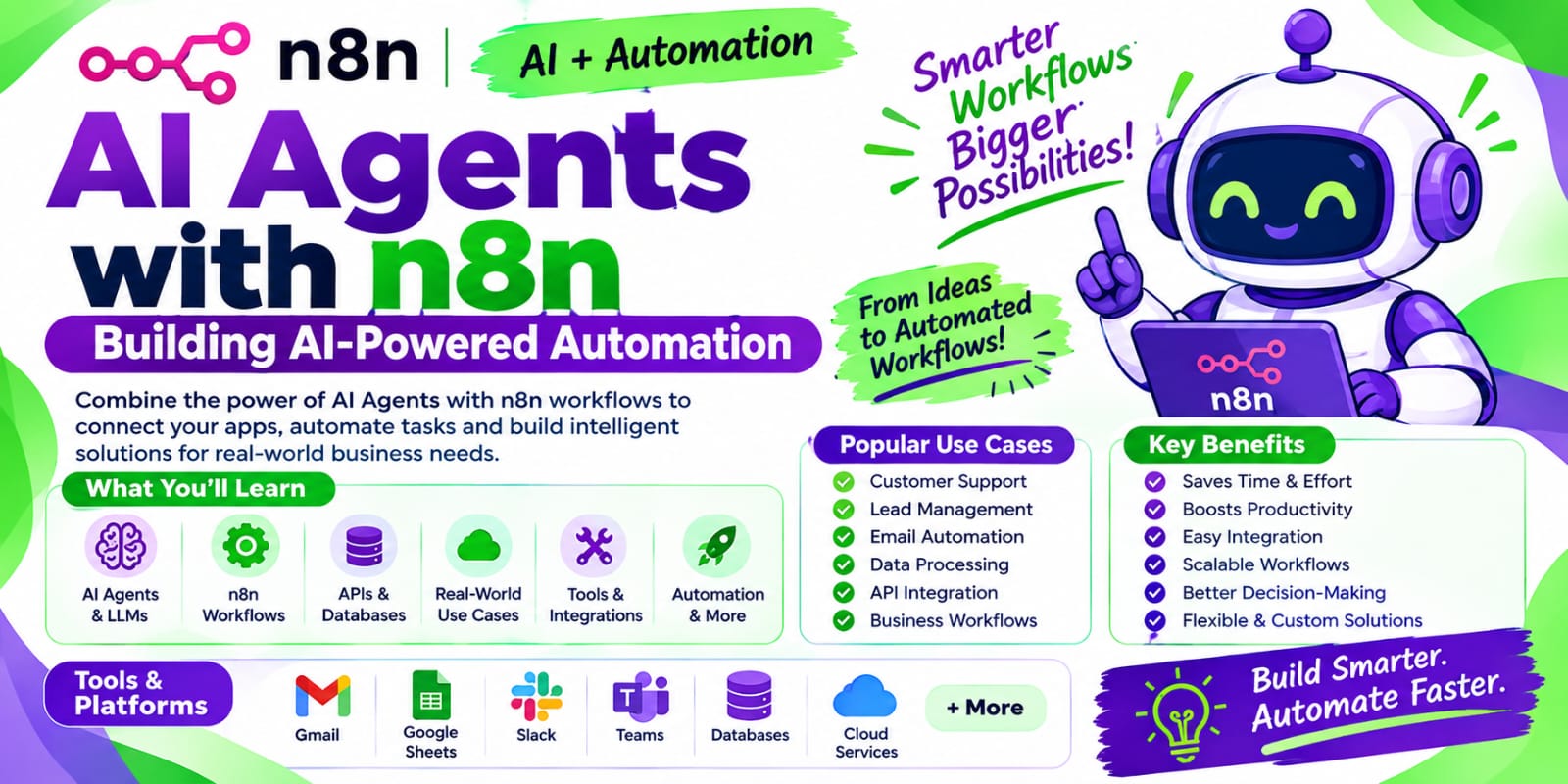
10. n8n
n8n is a workflow automation platform that helps students
understand how AI can be connected with apps, APIs, triggers, and business
processes. This is a valuable skill because automation is becoming a major part
of cloud, DevOps, and AI-related careers.
For example, students can use n8n to create a workflow where
a form submission triggers an AI summary, stores the output, and sends a
notification. This kind of hands-on automation project looks very strong in a
portfolio.
Huzefai’s broader content focus on automation, cloud, and
DevOps makes workflow tools like n8n especially relevant for its audience.
How IT Students Should Use These Tools
The smartest way to learn these tools is not to study them
separately in theory. Instead, use them in a practical workflow:
- Use ChatGPT
or Gemini to understand concepts
- Use GitHub
Copilot and VS Code to build projects
- Use Jupyter
Notebook for AI and Python experiments
- Use Perplexity
for research
- Use Notion
AI for planning and notes
- Use n8n
for automation projects
- Use Hugging
Face to explore real AI models
This approach gives students both productivity and technical
depth.
Final Thoughts
In 2026, AI literacy is becoming as important as computer
literacy. IT students who learn these tools are not just keeping up with
trends—they are preparing for the future of work. The best part is that these
tools are useful across many career paths, whether you want to enter software
development, cloud computing, DevOps, Linux administration, data science, or AI
engineering.
The goal is not to depend on AI for everything. The goal is
to use AI to become a faster learner, a better builder, and a more confident
problem solver.
Students who start now will be far ahead tomorrow.